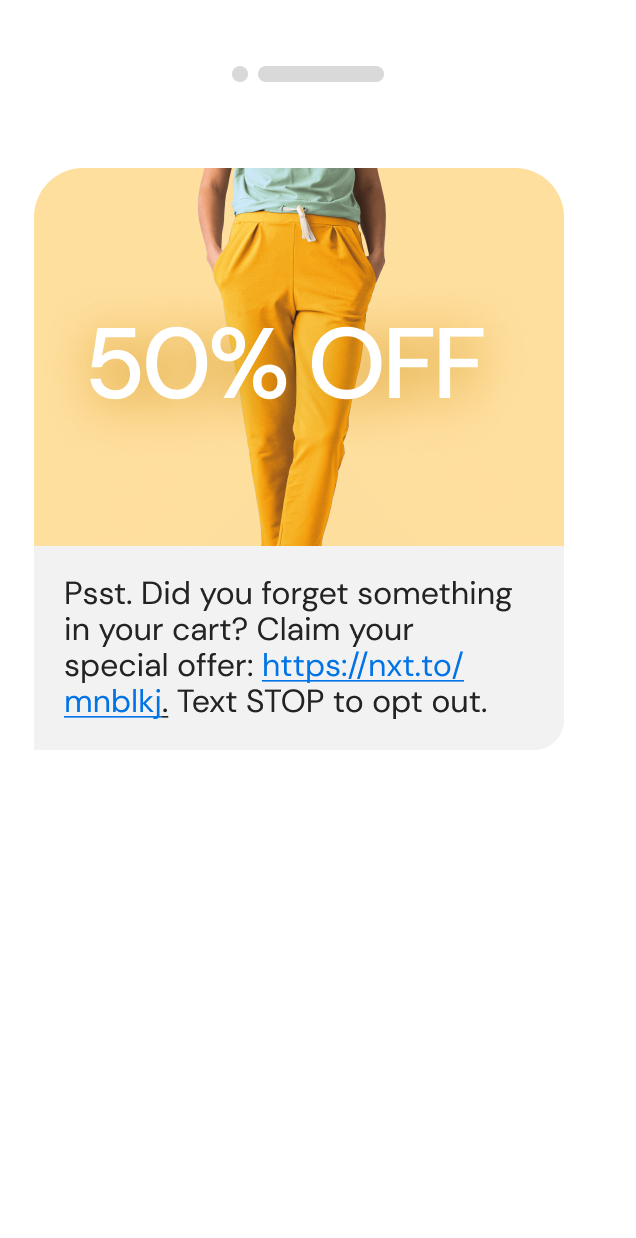
WebSMS: Send SMS messages instantly via the web.
Web SMS facilitates the sending of text messages from any PC with web access - there's no software required.
How Web SMS works
Activate a free trial of webSMS by entering your e-mail address and contact phone number below.
Your username and password will be E-mailed to the address entered. To use, simply:
- Browse to websms.message-media.com.au and login.
- Select the individual or group you require
- Type your message
- Click "Send"
Replies come back to your WebSMS and E-mail Inboxes.
Web SMS Product Features
- Simple to use email-like interface
- Send individual and group messages from your PC to Phones
- Receive SMS replies back to your WebSMS Account and E-mail inbox
- Set up private contact groups that only you can access
- Set up shared contact groups that everyone in your organisation can contact, with minimal, central maintenance
- Set up templates for regular messages from your computer to SMS
- LongTextTM function allows you to type long messages - which are split and sent in sequence
- SMS Delivery notification - be alerted when a message you send has not been received (fee applies)
- Reporting of SMS sent/received/delivered download your message history at any time
- Reliable access to all Australian SMS mobile networks
- International coverage (ask for our International Access brochure, all carriers covered)
- Simple import of bulk SMS names and numbers from Microsoft Access®, Excel®, Word® and any text file
Key FAQs
Who can I send messages to?
You can send SMS messages to any contact whose mobile number is entered in the WebSMS phone book, or to any mobile phone by entering the number directly in WebSMS.
Can I send WebSMS messages to multiple recipients or to groups?
Bulk SMS messages can be sent to unlimited numbers of mobile users simultaneously. WebSMS also allows you to create Shared Groups, so anyone logged in can send a message to any or all contacts in this list, without having to maintain contact details only one person needs to enter & update Shared Group details for all to use. Private Groups that only you can access can also be easily created.
How many characters can an SMS message contain?
WebSMS can send individual messages of up to 160 characters. If you type beyond 160 characters the message will be automatically spilt into multiple messages and sent to the recipient(s) in sequence. (Standard charges apply for each message sent)
How will I be billed for my usage of WebSMS?
Your SMS billing is done monthly in arrears by messagemedia with a breakdown of messages sent by each of the users in your company.
Can I also use WebSMS on different PCs?
You can login and send messages from any computer with web access, anywhere in the world, and easily allocate an unlimited number of user logins for everyone in your organisation.
Can I share information with other users in my organisation?
Apart from being able to create Shared Groups for access by all users in your organisation, you can also set up a Shared Sent Items folder (ideal for teams or shift workers where all members need to be aware of outbound communication), and set up Shared Templates for standardised messages, to ensure consistency in your communications with customers and other staff and to save time.